
How to Search Bexar County Court Dockets
The Search Hearings tool lives inside the Bexar County Justice Portal. It is free and open to the public. You pick a location, a hearing type, and a search type, then set a date range. The tool returns the hearings that match. It is the fastest way to confirm a court date in Bexar County.
Before you start, know the party name, case number, attorney name, or courtroom you want. A date range is required, so have a start and end date ready.
- Open Search Hearings on the Justice Portal.
- Select a location: County Clerk, District Clerk, or Justice of the Peace.
- Choose a hearing type and a search type, such as Party Name or Case Number.
- Enter your criteria and set the date range.
- Click Submit, then review the results in list or calendar view.
The screenshot below is the Search Hearings screen.
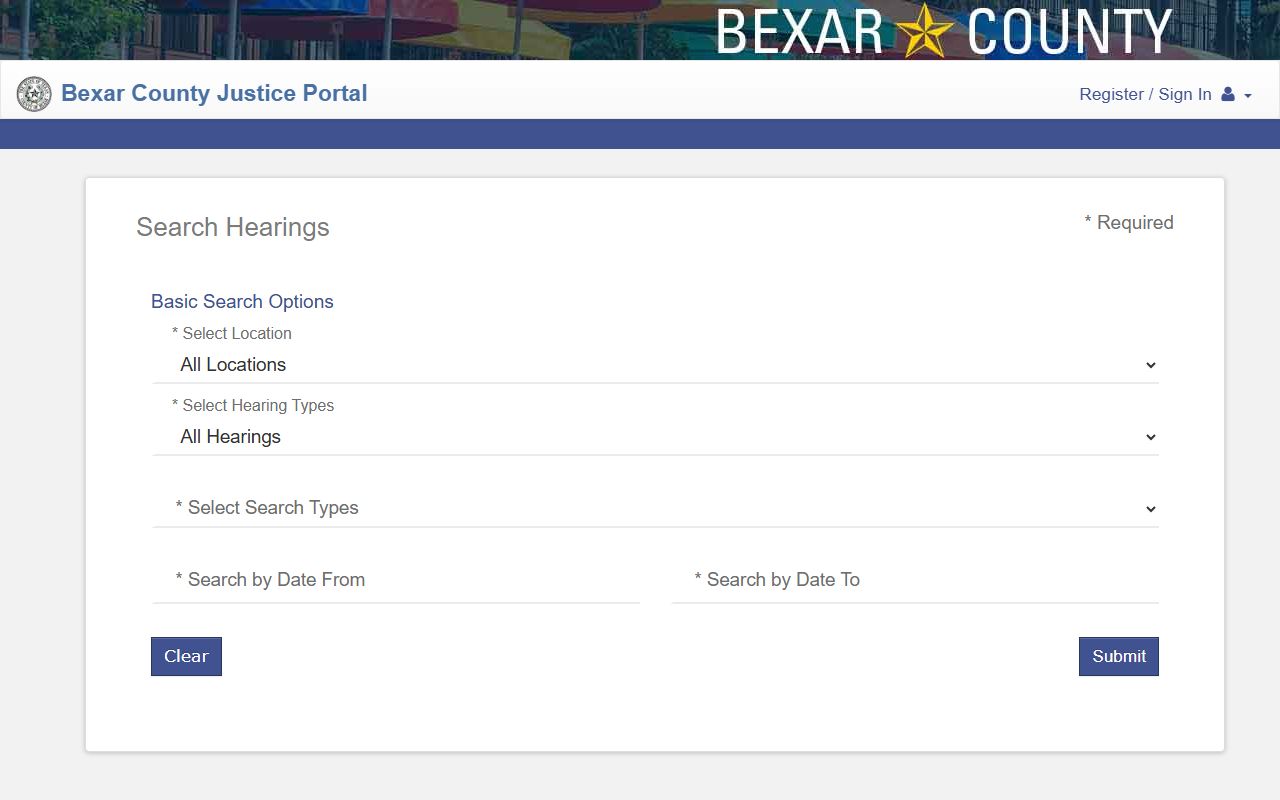
The tool covers many courts at once. You can filter down to a single judge or courtroom when you know it.
Bexar County Hearing Search Fields
Search Hearings has more required fields than the case search. Location, hearing type, and search type all must be set. The table below lists the fields from the county's portal guide.
| Field Label | Type | Required | Notes / Format |
|---|---|---|---|
| Select Location | Dropdown | Yes | All Locations, County Clerk, District Clerk, or Justice of the Peace. |
| Select Hearing Types | Dropdown | Yes | Civil or criminal hearings for each clerk, plus JP hearings. |
| Select Search Types | Dropdown | Yes | Case Number, Party Name, Business Name, Attorney Name, Bar Number, Judicial Officer, or Courtroom. |
| Last Name / First Name | Text | For name search | Required when searching by party name. |
| Select Judicial Officer | Dropdown | No | Lists district, county, and probate judges and magistrates. |
| Select Courtroom | Dropdown | No | Lists district, county, JP, probate, and specialty courtrooms. |
| Search by Date From / To | Date | Yes | The hearing date range to search. |
The courtroom list runs deep. It includes the 37th through 438th District Courts, County Courts at Law 1 through 15, Probate Courts 1 through 3, JP precinct courts, and specialty calendars like Family Drug Court and Bond Docket.
What a Bexar County Court Docket Shows
A docket entry is a single court action on a case. The case summary in the Justice Portal lists these entries as hearings and events. They sort newest first. The inventory below shows the fields tied to docket and hearing results.
| Field | What It Shows |
|---|---|
| Case Number | The case the hearing belongs to. |
| Hearing Type | The kind of setting, such as arraignment, motion, or trial. |
| Hearing Date | The scheduled date and time. |
| Courtroom | The court and room where it is set. |
| Judicial Officer | The judge or magistrate assigned. |
| Party Name | The defendant, plaintiff, petitioner, or respondent. |
Only 50 events load at first. Use Show More or Show All to see the rest. A printer icon prints the docket page.
Hearing types tell you what stage a case is in. A few common ones appear across Bexar County dockets:
- Arraignment - the first appearance where charges are read and a plea is entered.
- Motion hearing - the court rules on a written request from a party.
- Pretrial - a status setting to check progress before trial.
- Trial - the hearing where the case is decided.
- Bond docket - early review of bail and release conditions.
The label is a quick clue. It does not replace the full case record, which holds the actual filings and orders.
Which Bexar County Courts Publish Dockets
Bexar County hears cases across several court levels. Each level sets its own dockets. District courts handle felony, civil, family, and juvenile dockets. County courts at law handle misdemeanor and county civil dockets. Probate courts set estate and guardianship hearings. Justice of the peace courts set small claims and eviction hearings.
The county's courts portal links to civil, criminal, juvenile, family drug, felony drug, veterans, and magistrate dockets. The image below is the Bexar County Courts portal.
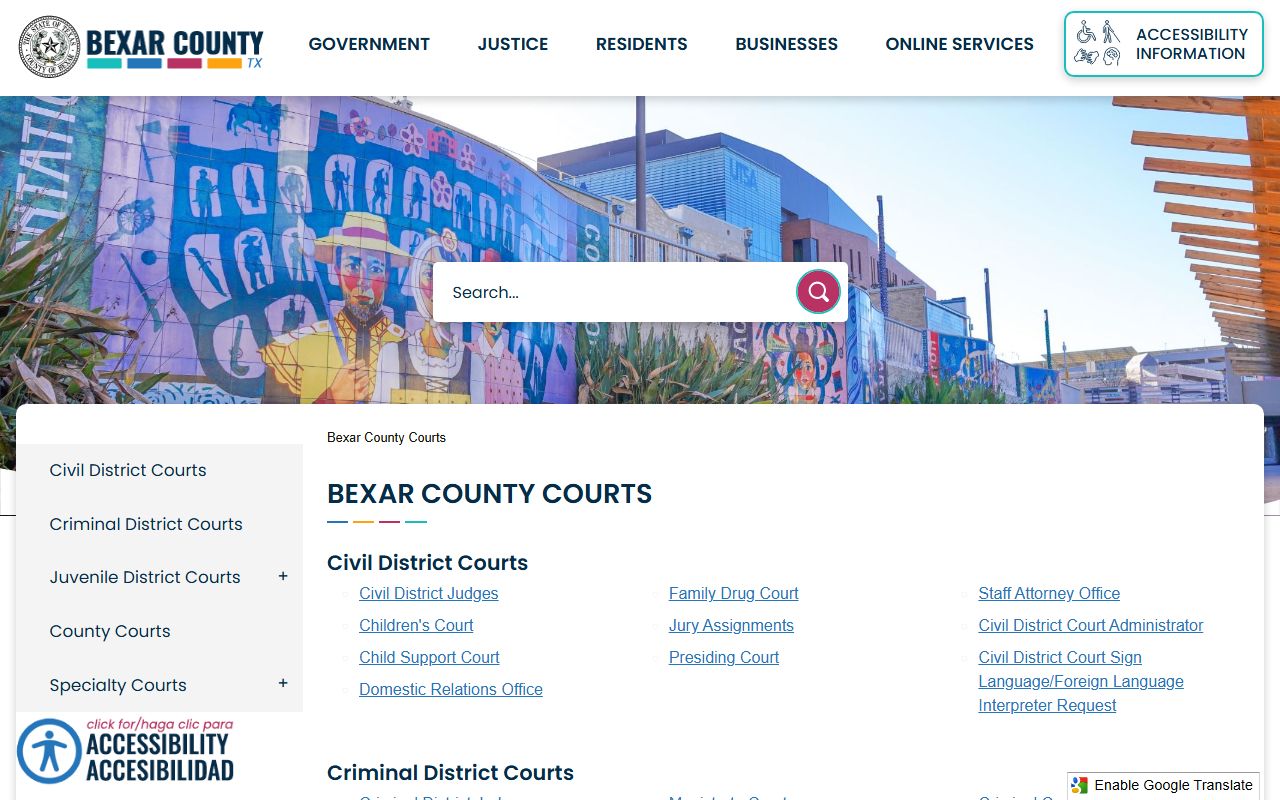
Use this portal to reach a specific court's docket links. The District Court and County Courts at Law pages list the judges by number.
District Court Dockets in Bexar County
The civil district courts run their own dockets and post judge information. The civil courts page shows the judge table and civil-court administration notes. Civil district cases include tort, contract, property, and family matters. Each numbered court sets its own calendar, so the docket you need depends on the assigned court.
The screenshot below is the Civil District Courts page.
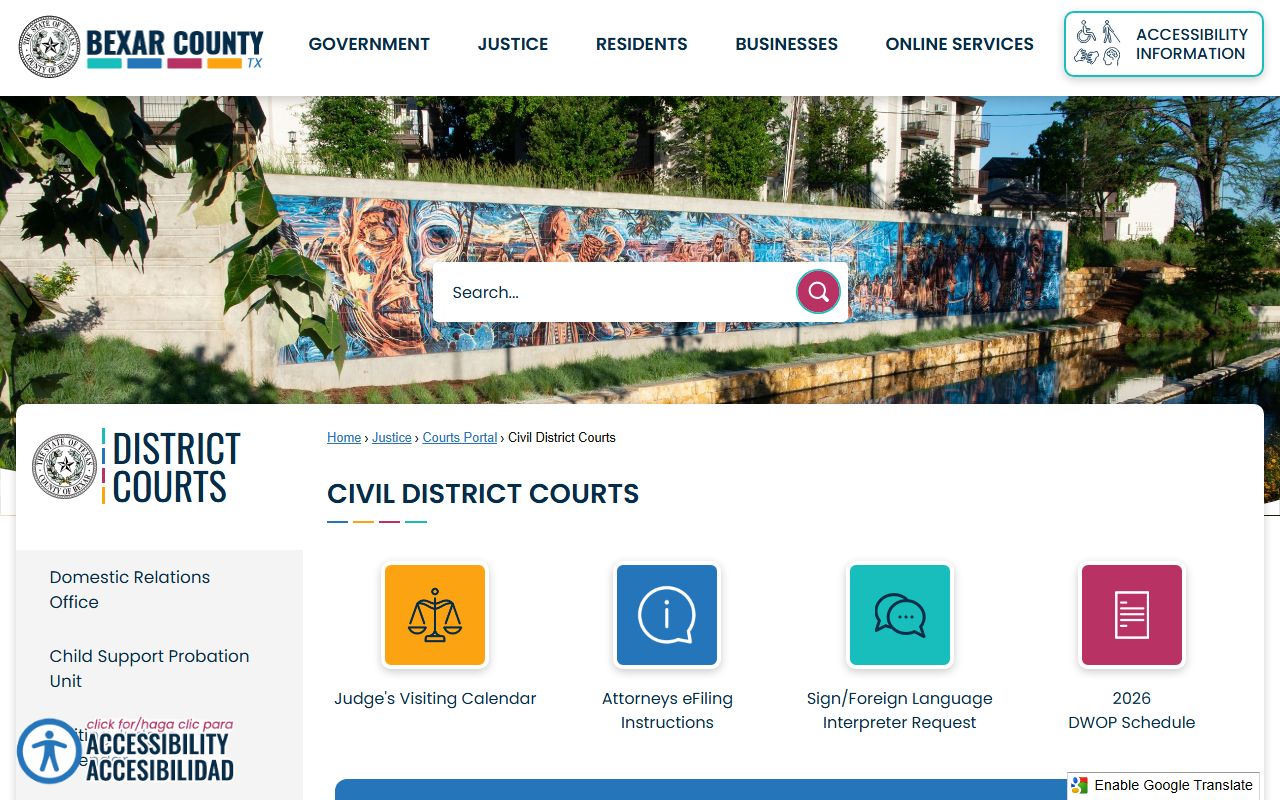
Match the case to its court number, then search that courtroom in Search Hearings for the next setting.
County Court Dockets in Bexar County
County courts at law handle misdemeanors and many civil cases. The county posts a judge table for these courts with names and phone numbers. County court dockets often move faster than felony dockets because the cases are smaller. The page below lists the county court judges.
The image is from the County Courts page.
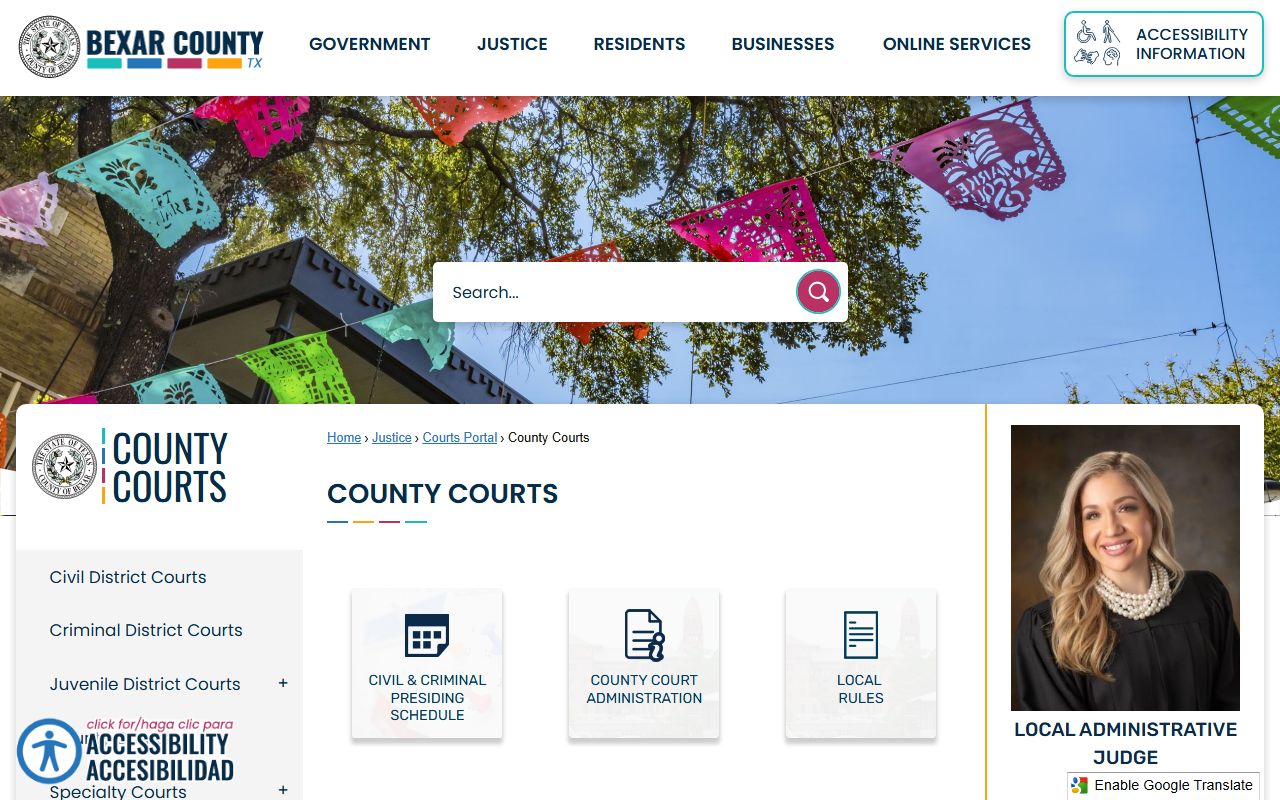
For misdemeanor case files behind these dockets, the County Clerk is the custodian. See the County Clerk page for copies.
Probate, JP, and Specialty Court Dockets
Dockets are not just a district and county court matter. Bexar County has three probate courts that set hearings for wills, estates, and guardianships. Probate Court No. 1 also sets civil mental health hearings, which run at the San Antonio State Hospital on fixed days. Probable cause hearings are held Monday and Thursday mornings. Commitment hearings are held Tuesday mornings. These probate settings show in the same Search Hearings tool under the Probate Court courtroom options.
Justice of the peace courts add another layer. They set small claims, eviction, and Class C citation hearings by precinct. The hearing search includes JP precinct and place options so you can find an eviction or small claims date by court. The Justice of the Peace page explains how those precinct courts are organized.
Specialty calendars round out the list. The courtroom dropdown shows Family Drug Court, Felony Impact Court, Guardianship, Protection Order Hearing, the Criminal Law Magistrate, and the Bond Docket. These problem-solving and magistrate dockets handle treatment cases, protective orders, and early bail review. Pick the matching courtroom to pull that calendar.
Prepare Before a Bexar County Court Date
Use the docket tool a day or two before a setting. Court dates can reset, get passed, or move rooms. A quick search saves a wasted trip downtown. Print the result so you have the courtroom and time in hand.
Know the building too. District and county court hearings often sit in the courthouse district near 100 Dolorosa and the Paul Elizondo Tower. Mental health hearings are at the San Antonio State Hospital, not downtown. Confirm the location in the courtroom field, then plan parking and security time. Arrive early on busy docket mornings, since lines build fast.
Dockets vs Full Case Records
A docket and a full case record are not the same thing. A docket is the calendar and the list of actions. The full case record holds the documents themselves. The comparison below shows the difference.
| Point | Court Docket | Full Case Record |
|---|---|---|
| What it is | Schedule and log of actions | The filings and documents in the case |
| Best tool | Search Hearings | Smart Search case summary |
| Use it to | Find a hearing date or courtroom | Read pleadings, orders, and judgments |
| Certified copy | Rarely needed | Order from the clerk for court use |
If you only want a date, use the docket tool. To read the file, use Bexar County court records through Smart Search.
Calendar View, Sorting, and Printing
Results can show as a list or a calendar. The calendar view is handy for a single courtroom over a week. The list view is better for a name across many courts. Both let you sort and print.
Hearings sort in reverse chronological order. Use your browser find, or Control plus F, to jump to a name inside a long results page. If a setting looks off, call the court directly before you rely on it; dockets can move on short notice.
Note: Hearing settings can change without much notice, so confirm a Bexar County court date with the court clerk before you travel downtown.